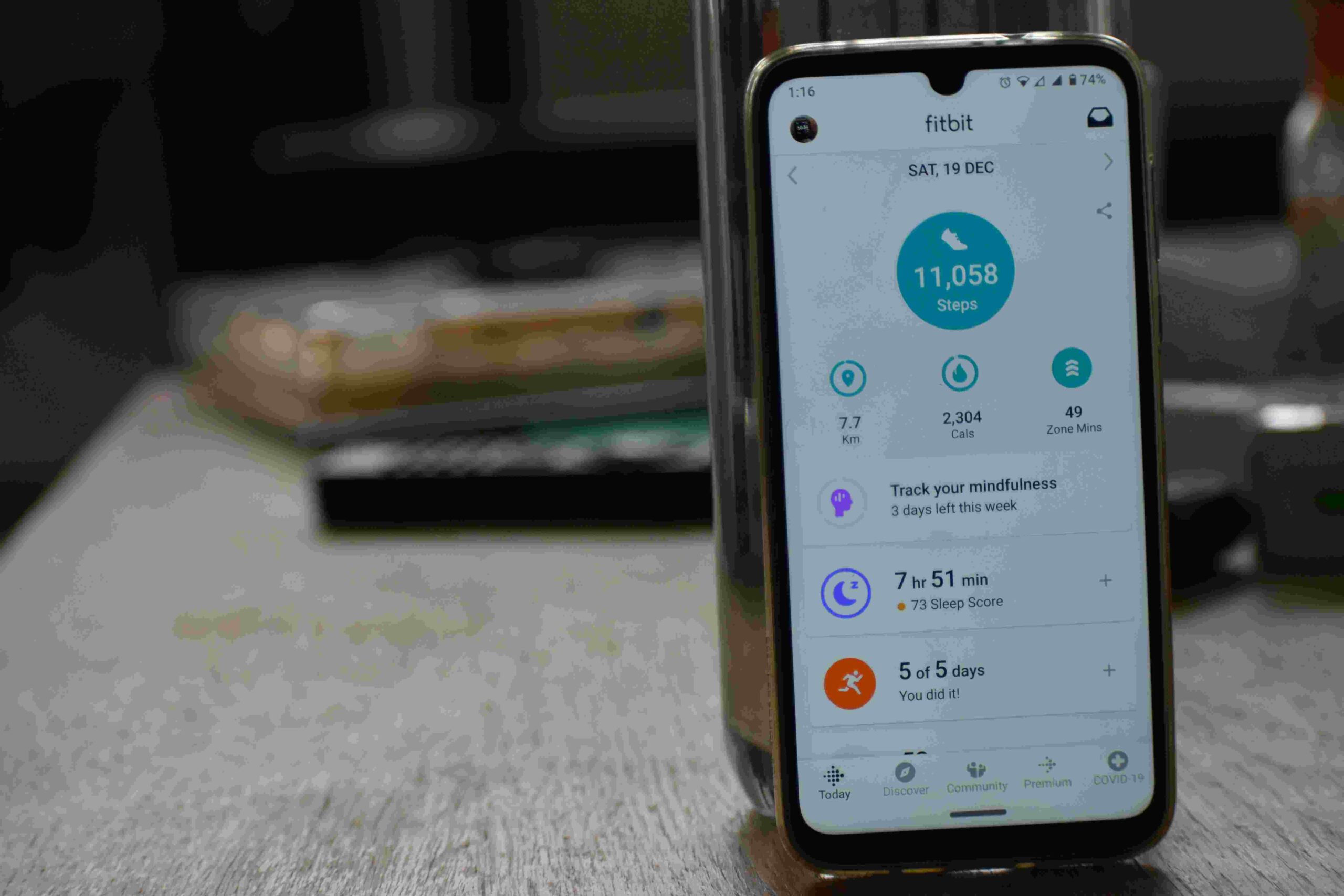
Best Apps to Track Your Daily Productivity
In today’s fast-paced world, staying productive requires more than just motivation—it requires tools that help you track, manage, and optimize your time effectively. Productivity apps are designed to help you monitor your daily tasks, set priorities, and analyze how your time is spent. Using the right apps can significantly improve focus, organization, and efficiency.
This guide explores some of the best apps for tracking daily productivity, their features, and how they can help you get more done without feeling overwhelmed.
Why You Should Track Your Productivity
Tracking your daily productivity is important for several reasons:
- Identifies time-wasting activities: See where your hours go.
- Boosts accountability: Helps you stick to your goals.
- Improves focus: Encourages better task management.
- Measures progress: Provides data to improve efficiency.
- Reduces stress: Organizes your workload and prevents last-minute rushes.
By tracking productivity, you gain insight into your habits and can make informed changes to maximize output.
1. Todoist
Todoist is a powerful task manager that helps you organize your day efficiently.
Key Features:
- Create tasks, subtasks, and projects
- Set deadlines and reminders
- Prioritize tasks using labels and colors
- Track completed tasks and productivity trends
Benefits:
Todoist helps you stay organized and focused, making it easy to track daily progress and avoid procrastination.
2. Trello
Trello is a visual productivity app that uses boards, lists, and cards to organize tasks.
Key Features:
- Drag-and-drop interface for task management
- Add due dates, checklists, and attachments
- Collaborate with teams or work solo
- Integrate with other apps like Google Drive
Benefits:
Trello is ideal for project-based work and for tracking tasks visually. It allows you to see progress at a glance and manage multiple tasks efficiently.
3. Notion
Notion combines note-taking, task management, and databases into a single platform.
Key Features:
- Create customizable pages and dashboards
- Track tasks, projects, and goals
- Use templates for productivity tracking
- Collaborative features for team projects
Benefits:
Notion is perfect for those who want all-in-one organization. It helps track both personal and professional tasks while keeping everything in one place.
4. Clockify
Clockify is a time-tracking app that monitors how you spend your hours.
Key Features:
- Track work hours with a timer
- Analyze time spent on tasks and projects
- Generate reports for productivity insights
- Integrate with project management tools
Benefits:
Clockify helps identify time-wasting activities, optimize workflow, and measure productivity accurately.
5. RescueTime
RescueTime runs in the background on your devices and tracks app and website usage automatically.
Key Features:
- Provides detailed reports of daily activities
- Blocks distracting websites (FocusTime)
- Set productivity goals
- Weekly performance summaries
Benefits:
RescueTime gives a clear picture of how your time is spent, helping you make conscious choices to improve focus and efficiency.
6. Habitica
Habitica turns productivity tracking into a gamified experience, making tasks fun and rewarding.
Key Features:
- Create daily habits, to-dos, and goals
- Earn rewards and level up for completing tasks
- Join a community for accountability
- Track progress visually
Benefits:
Habitica is ideal for people who enjoy gamification and want motivation through rewards and community support.
7. Microsoft To Do
Microsoft To Do is a simple and efficient app for task management.
Key Features:
- Create and prioritize tasks
- Set deadlines and reminders
- Organize tasks into lists
- Sync across devices
Benefits:
Microsoft To Do is perfect for users who want a straightforward, no-fuss productivity tracker with cross-device synchronization.
8. Focus Booster
Focus Booster uses the Pomodoro technique to help users work in focused intervals.
Key Features:
- Timer-based productivity sessions (25 mins work + 5 mins break)
- Track completed sessions and time spent
- Analyze daily, weekly, and monthly productivity
- Reports to improve time management
Benefits:
Focus Booster is great for people who struggle with focus or get easily distracted, helping structure work into manageable time blocks.
9. Evernote
Evernote is primarily a note-taking app but also doubles as a productivity tracker.
Key Features:
- Take notes, make lists, and attach files
- Set reminders for tasks
- Organize notes in notebooks and tags
- Sync across devices
Benefits:
Evernote allows you to track tasks and ideas in one place, keeping productivity organized and accessible.
10. Google Keep
Google Keep is a lightweight app for quick task tracking and note-taking.
Key Features:
- Create notes, checklists, and reminders
- Color-coded organization
- Voice notes and image attachments
- Integrates with Google Calendar
Benefits:
Google Keep is ideal for quick daily task tracking, especially for users already in the Google ecosystem.
How to Choose the Right Productivity App
Choosing the right app depends on your needs:
- Simple daily task tracking: Microsoft To Do, Google Keep
- Visual project management: Trello, Notion
- Time tracking and analysis: RescueTime, Clockify
- Motivation and gamification: Habitica
- Focus improvement: Focus Booster
Experiment with a few apps and select one that fits your workflow and enhances productivity rather than creating more complexity.
Table: Summary of Best Productivity Apps
| App Name | Best For | Key Feature |
|---|---|---|
| Todoist | Daily tasks | Task management & reminders |
| Trello | Projects | Boards & visual task tracking |
| Notion | All-in-one organization | Customizable dashboards |
| Clockify | Time tracking | Detailed time reports |
| RescueTime | Focus & analysis | Automatic activity tracking |
| Habitica | Motivation | Gamified productivity |
| Microsoft To Do | Simple task tracking | Cross-device syncing |
| Focus Booster | Focus | Pomodoro sessions |
| Evernote | Notes & tasks | Notes, reminders, and attachments |
| Google Keep | Quick notes | Checklists, reminders, color-coding |
Benefits of Using Productivity Apps
- Better time management: Track and allocate time efficiently
- Increased accountability: Know exactly what you accomplish daily
- Reduced stress: Organized workflow prevents last-minute rushes
- Enhanced focus: Minimize distractions and prioritize tasks
- Data-driven insights: Analyze habits to improve productivity
Read This Article: 7 Morning Habits That Boost Energy and Focus
Conclusion
Tracking your daily productivity is essential for improving focus, managing time efficiently, and achieving your goals. By using the right apps, such as Todoist, Trello, Notion, Clockify, or RescueTime, you can gain insights into your work habits, prioritize tasks effectively, and reduce wasted time.
Whether you prefer simple task trackers, visual project boards, time-tracking tools, or gamified productivity apps, incorporating these tools into your routine helps create structure, motivation, and accountability. Consistent use of productivity apps can transform the way you work, making your days more organized, focused, and efficient.
Frequently Asked Questions (FAQs)
Q1: Why should I use productivity apps?
Productivity apps help track tasks, manage time, and stay organized, allowing you to focus on what matters most and reduce wasted time.
Q2: Can I use multiple productivity apps at once?
Yes, but it’s best to start with one or two apps that fit your workflow. Using too many apps can cause confusion and reduce efficiency.
Q3: Are free productivity apps effective?
Absolutely. Many free apps like Todoist, Trello, and Google Keep provide robust features for daily task tracking and productivity management.
Q4: Which app is best for time tracking?
Apps like Clockify and RescueTime are ideal for tracking how you spend your hours, analyzing productivity patterns, and identifying time-wasting activities.
Q5: Can productivity apps improve focus?
Yes. Apps such as Focus Booster and RescueTime help minimize distractions and encourage structured work sessions, improving concentration.
Q6: Are gamified productivity apps helpful?
For many users, apps like Habitica make completing tasks fun and rewarding, increasing motivation and consistency in daily productivity habits.
Q7: Can productivity apps be used for both personal and work tasks?
Yes. Apps like Notion, Trello, and Todoist allow you to organize both personal projects and professional tasks in one platform.
Q8: How do I choose the right productivity app?
Consider your needs, workflow, and preferred style of task management. Experiment with a few apps to find one that enhances focus without creating extra complexity.
Want to make every day more productive and stress-free? Discover more life hacks, morning routines, and practical tips by visiting Lisyt.online today!