How to Plan a Weekly Schedule That Actually Works
Planning your week effectively is a key step toward improving productivity, reducing stress, and achieving your goals. Many people struggle with weekly planning because they either overfill their schedule, forget important tasks, or fail to prioritize what truly matters.
A well-structured weekly schedule helps you manage time efficiently, stay organized, and maintain a healthy balance between work, personal life, and rest. The key is not to fill every minute but to plan smartly with focus, flexibility, and realistic goals.

This guide provides practical strategies to help you create a weekly schedule that works and improves both productivity and overall well-being.
Why Weekly Planning is Important
Weekly planning allows you to:
- Visualize your tasks: See what needs to be done and allocate time effectively
- Prioritize important tasks: Focus on what matters most instead of reacting to everything
- Reduce stress: Knowing your plan helps prevent last-minute chaos
- Track progress: Assess how well you are meeting your goals each week
- Improve time management: Prevent wasted time on non-essential tasks
By planning weekly instead of daily alone, you can see the bigger picture and distribute your workload evenly.
Step 1: List All Tasks and Goals
Start by writing down everything you need to accomplish during the week. Include:
- Work-related tasks
- Personal responsibilities
- Health and fitness activities
- Social commitments
- Long-term goals or projects
This brain dump clears your mind and ensures that nothing important is forgotten.
Step 2: Categorize Tasks
Organize your tasks into categories to make scheduling easier:
| Category | Examples |
|---|---|
| High Priority | Deadlines, important meetings, urgent tasks |
| Medium Priority | Routine work, moderate deadlines |
| Low Priority | Optional tasks, small errands, leisure activities |
Categorizing tasks helps you focus on what matters most and reduces overwhelm.
Step 3: Set Realistic Goals
Avoid overloading your weekly schedule. Set achievable goals by considering:
- How much time each task realistically requires
- Your energy levels throughout the day
- Buffer time for unexpected events
Tip: Focus on completing fewer high-priority tasks well rather than trying to do everything at once.
Step 4: Allocate Time Blocks
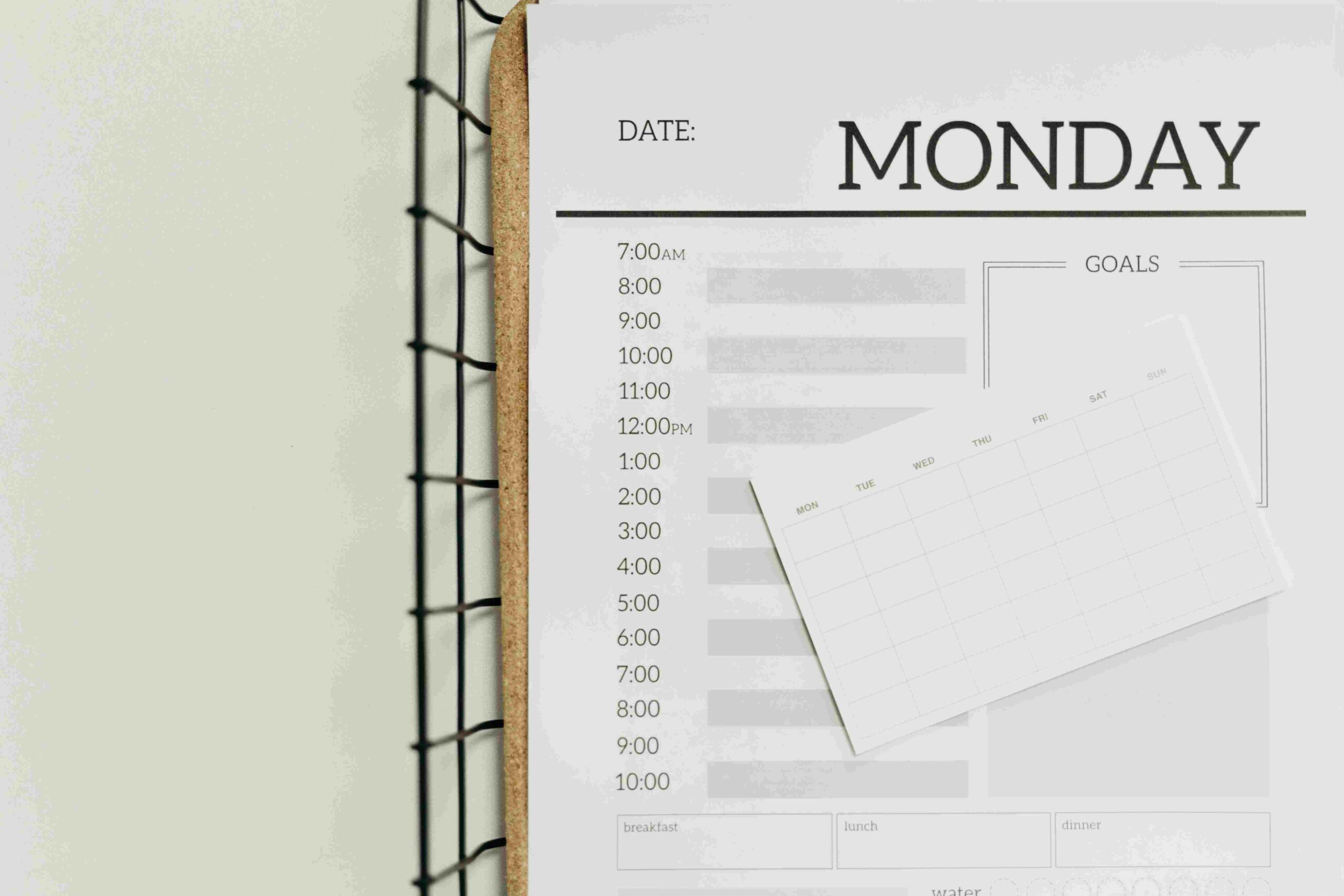
Time blocking is a technique where you assign specific time periods for different tasks or activities. This helps structure your day and avoid multitasking.
Example of a Daily Time Block
| Time | Activity |
|---|---|
| 6:00–7:00 AM | Morning routine and exercise |
| 7:00–8:00 AM | Breakfast and planning |
| 8:00–12:00 PM | Focused work tasks |
| 12:00–1:00 PM | Lunch break |
| 1:00–3:00 PM | Meetings and communication |
| 3:00–4:00 PM | Short breaks and email management |
| 4:00–6:00 PM | Project work or learning |
| 6:00–7:00 PM | Dinner and family time |
| 7:00–9:00 PM | Leisure or personal development |
| 9:00–10:00 PM | Evening reflection and planning next day |
Time blocking ensures that each task has dedicated attention and reduces distractions.
Step 5: Prioritize Using the Eisenhower Matrix
The Eisenhower Matrix helps you decide which tasks to do first, schedule, delegate, or eliminate.
| Quadrant | Task Type | Action |
|---|---|---|
| Urgent & Important | Critical deadlines | Do immediately |
| Important but Not Urgent | Long-term projects | Schedule time |
| Urgent but Not Important | Interruptions | Delegate if possible |
| Not Urgent & Not Important | Low-value activities | Consider eliminating |
Using this method ensures your weekly plan focuses on tasks that have real impact.
Step 6: Include Breaks and Buffer Time
Many people fail to plan breaks, which leads to burnout. Include:

- Short breaks between tasks (5–10 minutes)
- Lunch and rest periods
- Flexible buffer time for unexpected tasks
Breaks help recharge your energy and maintain focus throughout the day.
Step 7: Review and Adjust
A weekly schedule is not static. At the end of each day:
- Review completed tasks
- Move incomplete tasks to the next day or week
- Adjust priorities based on new developments
Regular review ensures your schedule remains realistic and effective.
Step 8: Use Tools to Stay Organized
Digital or physical tools can help track your weekly plan:
- Planner notebooks for handwritten schedules
- Calendar apps like Google Calendar or Outlook
- Task management tools like Trello, Todoist, or Notion
- Reminder apps for deadlines and appointments
Choose a tool that fits your style and keeps you accountable.
Step 9: Balance Work, Personal Life, and Self-Care
A productive schedule should include all aspects of life, not just work. Include:
- Exercise or yoga
- Social interactions
- Hobbies and leisure time
- Adequate sleep
A balanced weekly plan ensures long-term productivity and prevents burnout.
Step 10: Tips for Creating a Schedule That Works
- Be flexible; adjust as needed
- Avoid scheduling tasks back-to-back without breaks
- Focus on one task at a time
- Use color-coding for different categories
- Review weekly achievements and plan improvements
Consistency and reflection are key to building a weekly schedule that truly works.
Benefits of an Effective Weekly Schedule
- Increased productivity and efficiency
- Reduced stress and overwhelm
- Better time management and focus
- Improved work-life balance
- Clearer priorities and goal achievement
By following these steps, you can create a weekly schedule that helps you stay organized, reduce stress, and achieve more without feeling overworked.
Read This Article: Easy Morning Journaling Tips to Reduce Stress
Conclusion
Planning a weekly schedule that actually works is all about clarity, prioritization, and balance. By listing tasks, categorizing priorities, time blocking, and including breaks, you can manage your week efficiently without feeling overwhelmed.
A well-structured weekly plan not only improves productivity but also reduces stress, ensures work-life balance, and allows you to focus on what truly matters. With consistency, regular review, and flexibility, your weekly schedule becomes a powerful tool to achieve your goals while maintaining personal well-being.
Frequently Asked Questions (FAQs)
Q1: How long should I spend planning my weekly schedule?
Spending 15–30 minutes at the start of the week is usually sufficient to outline tasks, priorities, and time blocks.
Q2: Can I adjust my weekly schedule during the week?
Yes. A schedule should be flexible to accommodate unexpected tasks, changes, or emergencies.
Q3: How do I prioritize tasks effectively?
Use methods like the Eisenhower Matrix to separate urgent and important tasks from low-value activities.
Q4: Should I include breaks in my weekly schedule?
Absolutely. Short breaks and buffer times prevent burnout and help maintain focus throughout the day.
Q5: Are digital tools better than physical planners?
It depends on your preference. Digital apps offer reminders and easy edits, while physical planners can improve focus and reduce screen time.
Q6: How can I make time for personal life and self-care?
Include dedicated blocks for exercise, hobbies, social time, and rest. A balanced schedule prevents burnout and promotes long-term productivity.
Q7: What if I don’t complete all tasks on my schedule?
Review unfinished tasks, move them to the next day or week, and adjust priorities. Flexibility is key to an effective schedule.
Q8: How often should I review my weekly schedule?
Review your schedule daily and weekly to track progress, reflect on achievements, and make improvements for the next week.
Want to make every day more productive and stress-free? Discover more life hacks, morning routines, and practical tips by visiting Lisyt.online today!